September 21st, 2023
New
Fixed
Updating template documents, plus other fixes and changes
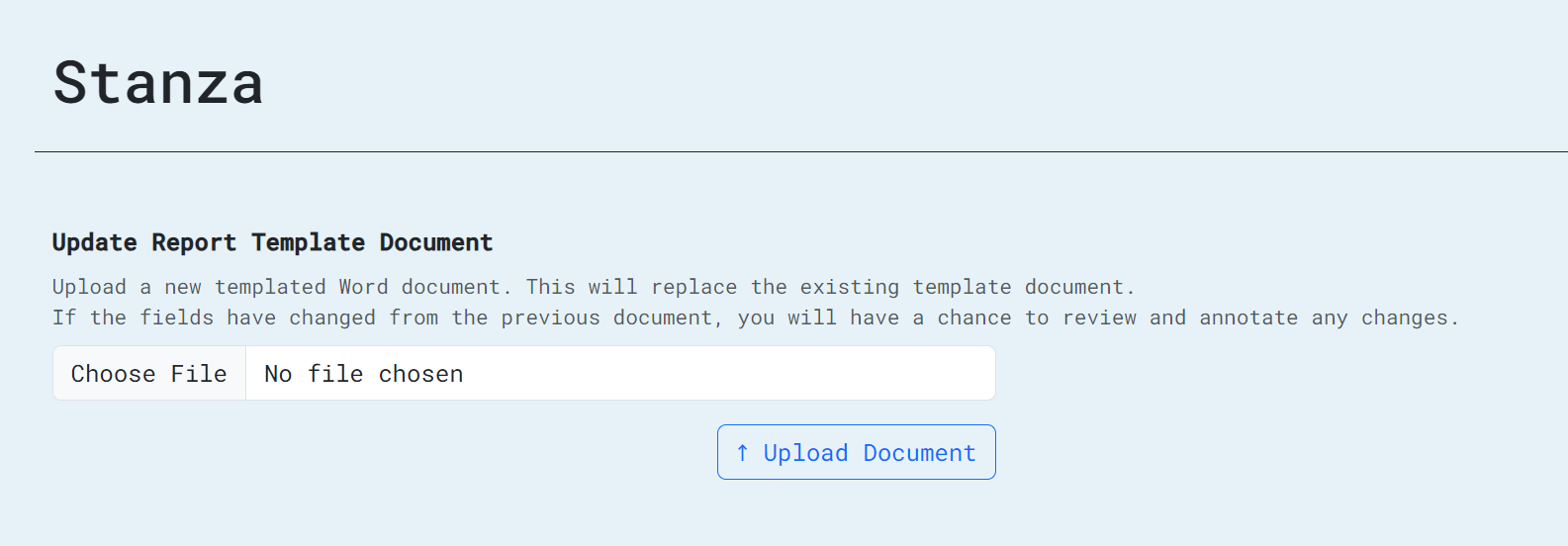
Big news: report creators can now update the Word document template for their reports. So, if you found a typo in a report template, want to change the section headers in a proposal, or need to add additional fields to a report you're working on adding to Stanza, you can now do that.

To update, click the gear icon next to one of your reports, then click the "Word document" icon. From there, you can upload a new version of your template and, if the fields have changed, you'll have the opportunity to add that information to your report.
Also, users can now view all of their past filled reports. From the "Your recent reports" section on the dashboard page, just click "View All," where you'll be able to see and download any of your past reports. (Right now, it's limited to 100, but pagination is coming in a future release.)
We've also squashed a few bugs since our last release:
Users are not restricted in clicking on photo fields or the page menu when they're filling out a cached report. (Thanks, team, for reporting that one!)
Report creators will receive an error if they try to create a report without a title.
Not a bug, but we now have a snazzy new top menu with the PVE/EDI logo!